01
Automation that works beside you
Describe what you want. BAELIX plans the work, creates the files, runs approved commands, and keeps the activity visible while it builds.
 BAELIX
BAELIX AI · Intelligence, connected
One focused space to think, create, and let AI carry work from an idea to something real on your computer.
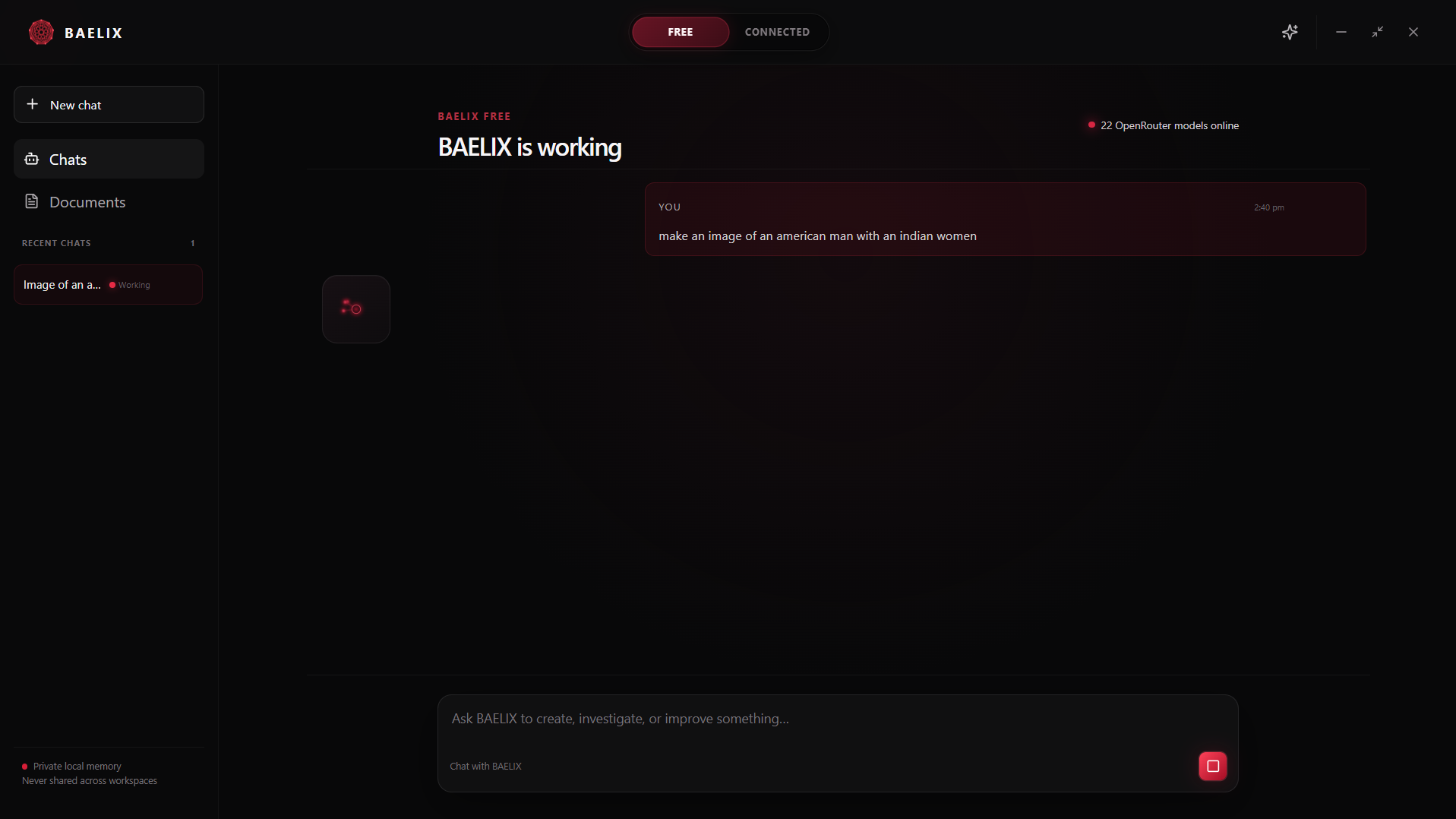
Automation is the future.
Free AI and automation are a modern human right.
BAELIX is a Windows AI workspace designed to turn conversation into action—without hiding the work behind it.
Ask a question when you need a thought partner. Turn on Automation when you want BAELIX to create or improve something on your computer. The same chat carries the idea, the activity, and the finished result.
Describe what you want. BAELIX plans the work, creates the files, runs approved commands, and keeps the activity visible while it builds.
BAELIX Free discovers available OpenRouter models and chooses intelligence for the task, while keeping one continuous conversation.
Connect Cloudflare Workers AI for free image generation, then create visual work from the same focused BAELIX workspace.
Chats and credentials stay on your Windows computer. Provider credentials are stored through Windows Credential Manager.
Every stage lives in one timeline—from your first request to the commands, files, and final instructions.
01 / Ask
Ask for an app, website, document, image, or focused improvement in natural language. BAELIX keeps the goal and project location together.
read_projectapply_patchread_projectTurn on visible automation, connect free conversational intelligence, and optionally add image generation—all from BAELIX Settings.
Visible automation
Open BAELIX and remain in the Free workspace.
Select the Settings icon in the top-right corner.
Switch Automation on and choose the default project location.
Describe what to make. Review any permission request before BAELIX changes files or runs a command.
Free intelligence
Open BAELIX and select Free at the top.
Open Settings, then find “Open free-model pool.”
Select Connect OpenRouter and approve access in your browser.
Return to BAELIX. Eligible free models are discovered automatically.
Free image intelligence
Create a free Cloudflare account and open Workers AI.
Copy your Account ID and create a Workers AI API token.
In BAELIX Free settings, open “Free image generation.”
Paste both values and select Connect free image intelligence.
Your provider credentials stay in Windows Credential Manager, and BAELIX keeps its local memory on your device.
BAELIX is currently built for 64-bit Windows.
Latest release · Windows x64Get the latest BAELIX Windows installer from the official release page.
Open the installer. If Windows shows a protection notice, review the publisher and choose to continue.
Open Settings and connect OpenRouter. Cloudflare image intelligence is optional.
Choose a project location, turn on Automation when needed, and tell BAELIX what to make.
BAELIX was created by two builders working toward AI that is useful, visible, and available to everyone.
Co-creator of BAELIX
Co-creator of BAELIX